Sync Your Podcast Highlights to Obsidian

Obsidian users have been asking for a native Snipd integration for a long time.
Enabling podcast listeners to take notes from podcasts by tapping their headphones and it then automatically appearing in their Obsidian vault.
Today we're releasing the official Snipd Obsidian plugin. It automatically syncs all your podcast snips directly to your Obsidian vault, with transcripts, AI summaries, your notes, and rich episode metadata.
Podcast Notetaking Worflow for Obsidian users
- Listen to your podcasts on Snipd
- Tap your headphones to take a note
- Snipd's AI creates a snip with transcript, summary, & more
- Your snip gets synced to your Obsidian vault
What Gets Synced
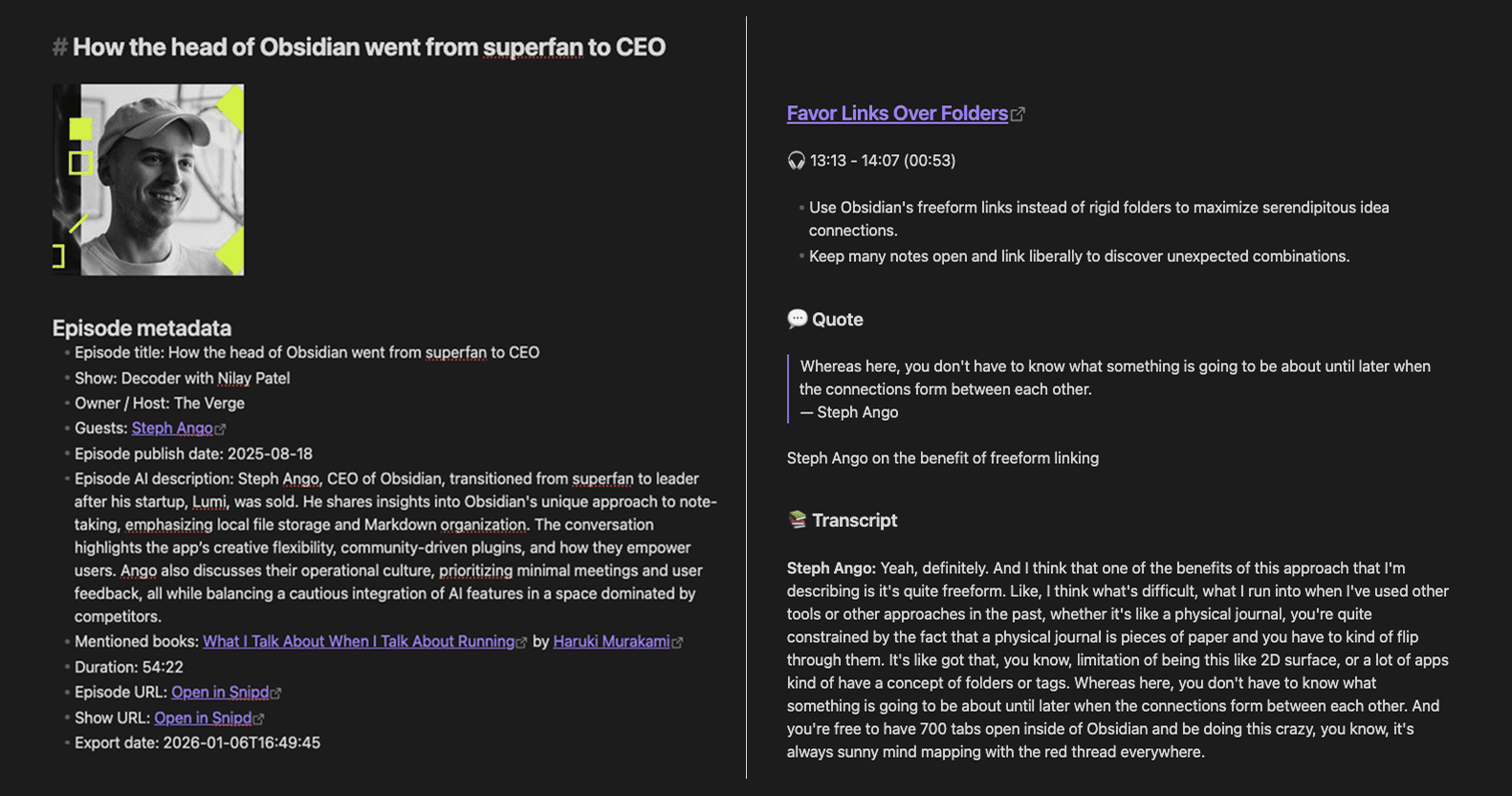
Every snip you create in Snipd can automatically appear in your Obsidian vault. Each synced snip includes:
- Full transcript of the highlighted moment
- AI summary explaining the key insight
- Your personal notes written in the app
- Direct link to the snip to replay the audio
- Mentioned books from that episode
- Guest names who were speaking
- Rich episode metadata including title, podcast name, publish date, and cover image
The plugin creates one file per episode, with all your snips from that episode organized together. This keeps related insights grouped and easy to navigate.
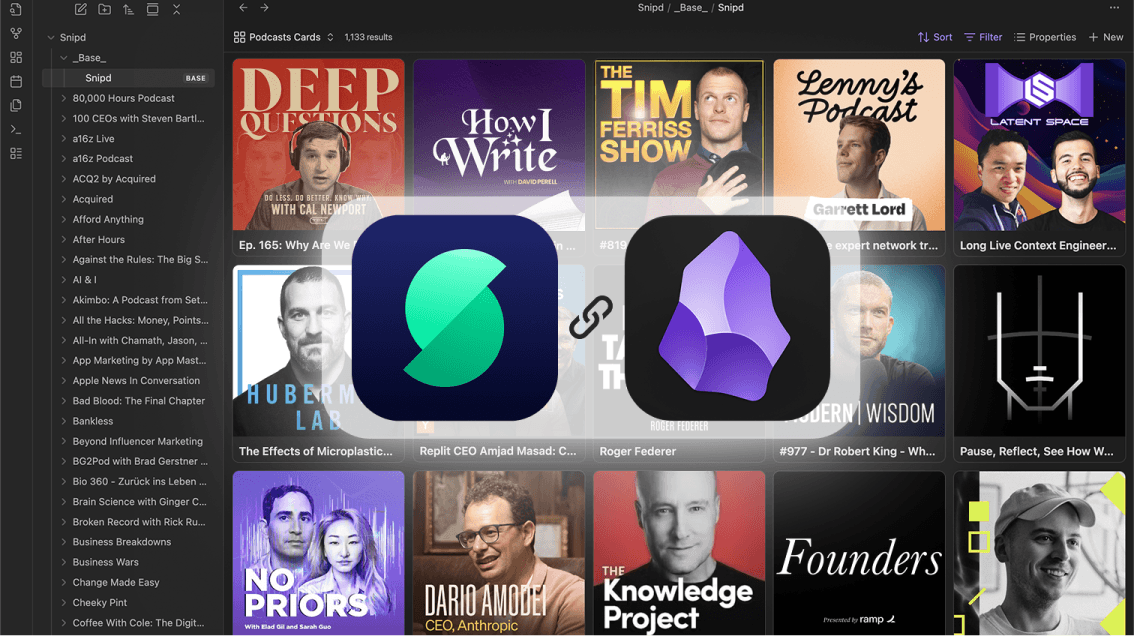
Works with Obsidian Bases
The plugin stores metadata as properties, making your podcast notes fully compatible with Obsidian Bases. This lets you create database views of your listening history, filter snips by podcast or topic, and build dashboards that surface insights across episodes.
We've included two default Bases views out of the box to get you started. You can customize these or create your own views based on the synced metadata.
Customize the Format
Not everyone organizes their vault the same way. The plugin includes flexible templating options so you can control exactly how your snips appear:
- Episode template: Control the overall structure of episode files
- Snip template: Customize how individual snips are formatted within the file
If you have an existing system for podcast notes, you can adjust the templates to match your conventions.
Filter What Gets Synced
Sometimes you want every snip to sync automatically. Other times you only want to export the ones you've refined with your own notes.
The plugin includes a filter option to only sync edited or starred snips. This way, quick taps during a commute stay in Snipd until you've had time to add context, while your polished notes flow directly to your vault.
How to Get Started
The plugin is available now. You can find detailed instructions on how to set it up here: https://obsidian.snipd.com
Once connected, your snips will automatically sync to your vault. Every new snip you create in Snipd will appear in Obsidian without any manual export.
Building Your Podcast Knowledge Base
For anyone using Obsidian as their primary knowledge management tool or second brain, this integration closes the gap between listening and learning. Podcast insights now live alongside your book notes, article highlights, and original thinking, all connected through links and tags.
The plugin is available now for free.
Unlock the Knowledge in Podcasts
Join hundreds of thousands of people who are getting more out of their podcast listening.
Try today