Introducing AI DJ: Listen to the Best Parts of Any Podcast in 25% of the Time

Most podcast listeners have the same problem: a backlog that keeps growing. Hundreds of episodes from dozens of shows, and not nearly enough hours in the day to get through them all. AI summaries promise a shortcut, but they strip away everything that makes podcasts worth listening to. The voices, the tone, the anecdotes, the way a host reacts to a surprising answer.
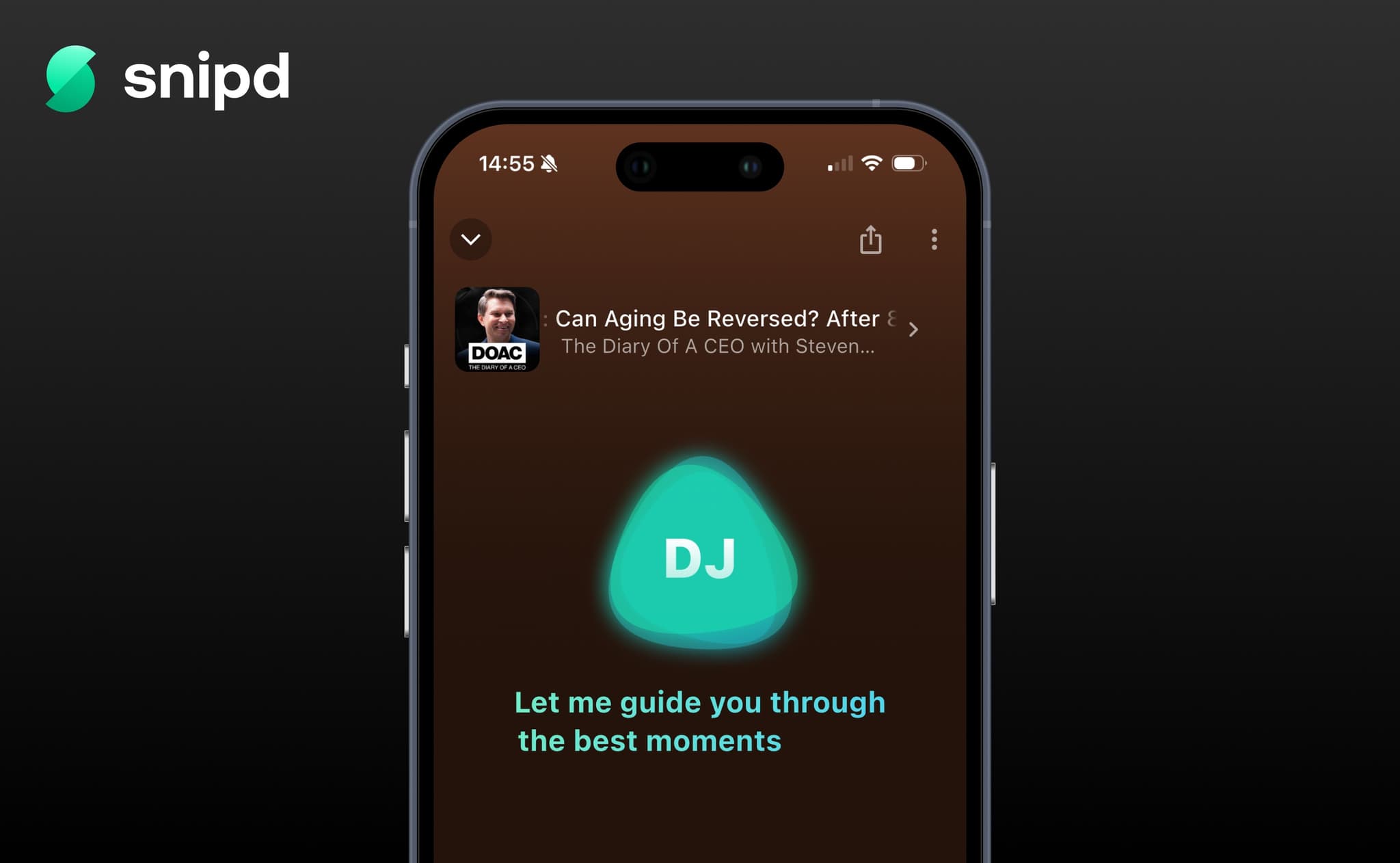
We built something different. Snipd's AI DJ takes control of your podcast player to guide you through the best moments of an episode. You're still listening to the original podcast. The DJ just decides where to skip to next.
What Is the AI DJ?
The AI DJ is an AI-powered guide that takes control of your podcast player. It seeks to the best moments of an episode, plays them, and bridges the gaps with short spoken introductions so you never lose context.
With the AI DJ active, you experience the highlights of an episode in roughly 25% of the original listening time. A 60-minute episode takes about 15 minutes. That means you can get through about 4x as many episodes in the same amount of time.
What Does the AI DJ Sound Like?
When you activate the AI DJ, here's what happens:
- An introduction. The AI DJ sets the stage: what the episode is about, who's speaking, and what you're about to hear.
- A highlight. The DJ seeks to the first key moment and hits Play on your player.
- A transition. A short spoken bridge from the AI DJ provides context for what comes next.
- The next highlight. The DJ skips ahead to the next valuable moment.
- ...and so on through the best parts of the episode.
- A wrap-up. The AI DJ closes out the experience.
The result feels like a curated, narrated tour through the episode. Not a choppy series of disconnected clips, but a coherent listening experience where you always know what's happening and why it matters.
This Is Not a Summary
We believe summaries, whether written by AI or humans, will never replace actually listening to a podcast. A text summary can give you the facts, but it can't give you the way a guest pauses before an honest answer, or the excitement in a host's voice when they hear something unexpected. That's what makes podcasts special.
The AI DJ doesn't summarize anything. It doesn't touch the audio at all. It simply controls your player, deciding which moments to skip to and when to pause. You're still hearing the original podcast with the original voices, intonations, and stories. You're just hearing the best 25% of it.
Think of it like having a friend who already listened to the episode and is now sitting next to you, fast-forwarding to all the best parts.
How to Use the AI DJ
Getting started takes three taps:
- Start playing any English podcast episode in Snipd.
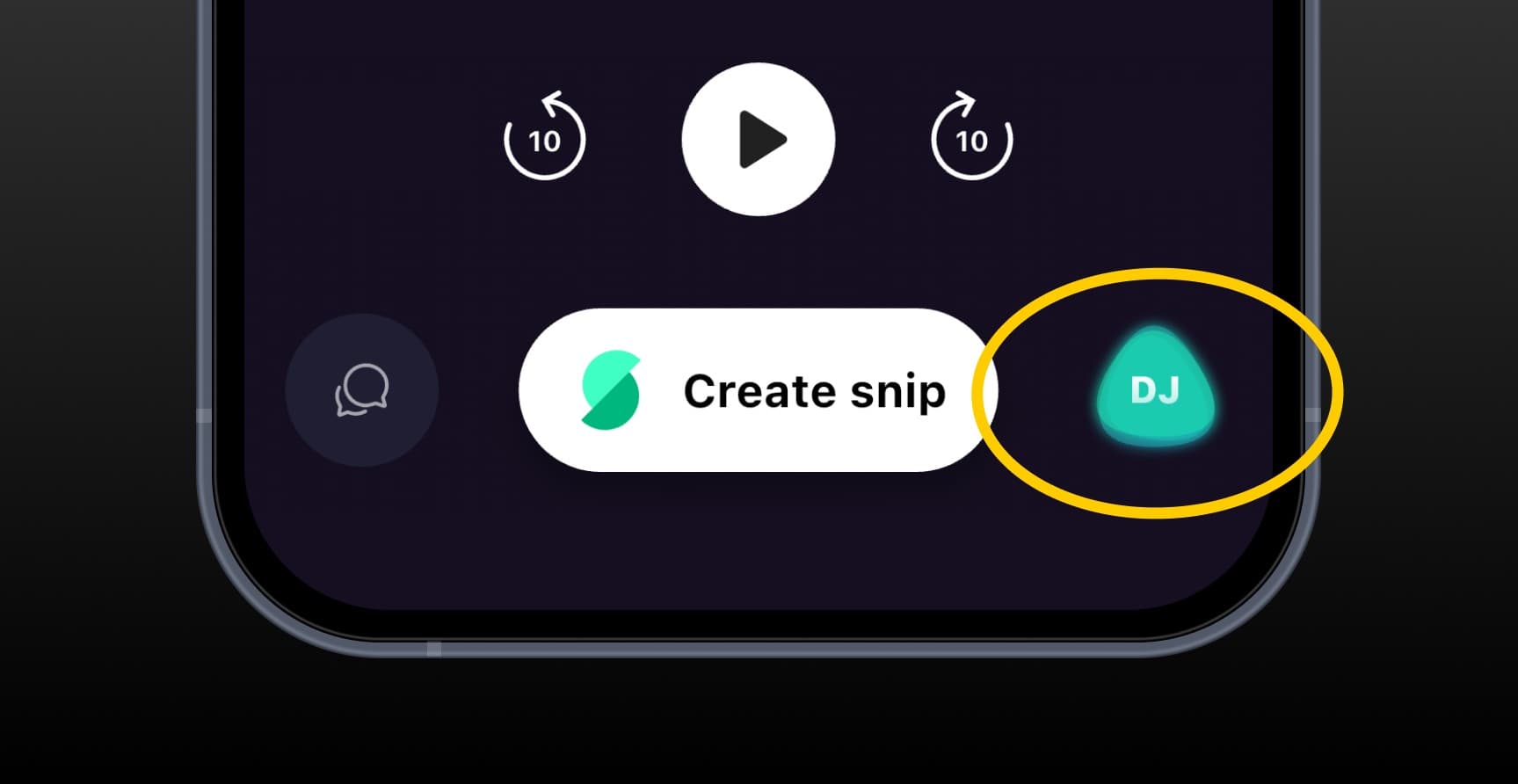
- Tap the DJ button next to the "Create Snip" button in the player.
- That's it. DJ mode is now active. Sit back and listen.
To exit DJ mode, tap the same button again to return to normal playback.
When the AI DJ Saves You the Most Time
The AI DJ is most valuable when time is the bottleneck:
- Backlog episodes. Those episodes you've been meaning to listen to for weeks. The AI DJ lets you finally get through them.
- Long-form interviews. A 2-hour conversation is a big commitment. The AI DJ gives you the highlights in about 30 minutes.
- New podcasts. Not sure if a show is worth subscribing to? Let the AI DJ walk you through the best moments of an episode before you commit.
- Any time you're short on time. Commuting, cooking, a quick walk. The AI DJ fits more podcasts into less time.
For your absolute favorite shows, you will still want to listen to the full episode. The AI DJ is for everything else: the episodes that would otherwise sit in your queue forever.
Frequently Asked Questions
How much time does the AI DJ save? The AI DJ covers about 25% of the original episode length, saving you roughly 75% of your listening time. A 60-minute episode becomes about 15 minutes.
Does the AI DJ skip important parts? The AI DJ is designed to cover the core insights and most valuable moments of an episode. You should walk away having heard the key takeaways.
Can I switch back to the full episode? Yes. Tap the DJ button again to exit DJ mode and continue listening to the full episode as normal. The AI DJ is always optional.
Which podcasts work with the AI DJ? The AI DJ is available for all English-language podcasts on Snipd. It also works with any English audio you've uploaded, such as audiobooks, YouTube videos, or recordings.
Will the AI DJ support other languages? We plan to expand language support in the future. All other Snipd AI features (snipping, chat, mentioned books) already support 26 languages.
Available Now
The AI DJ is live in Snipd for all English podcasts. Start an episode, and tap the DJ button. Your backlog is about to get a lot shorter.
Unlock the Knowledge in Podcasts
Join hundreds of thousands of people who are getting more out of their podcast listening.
Try today